
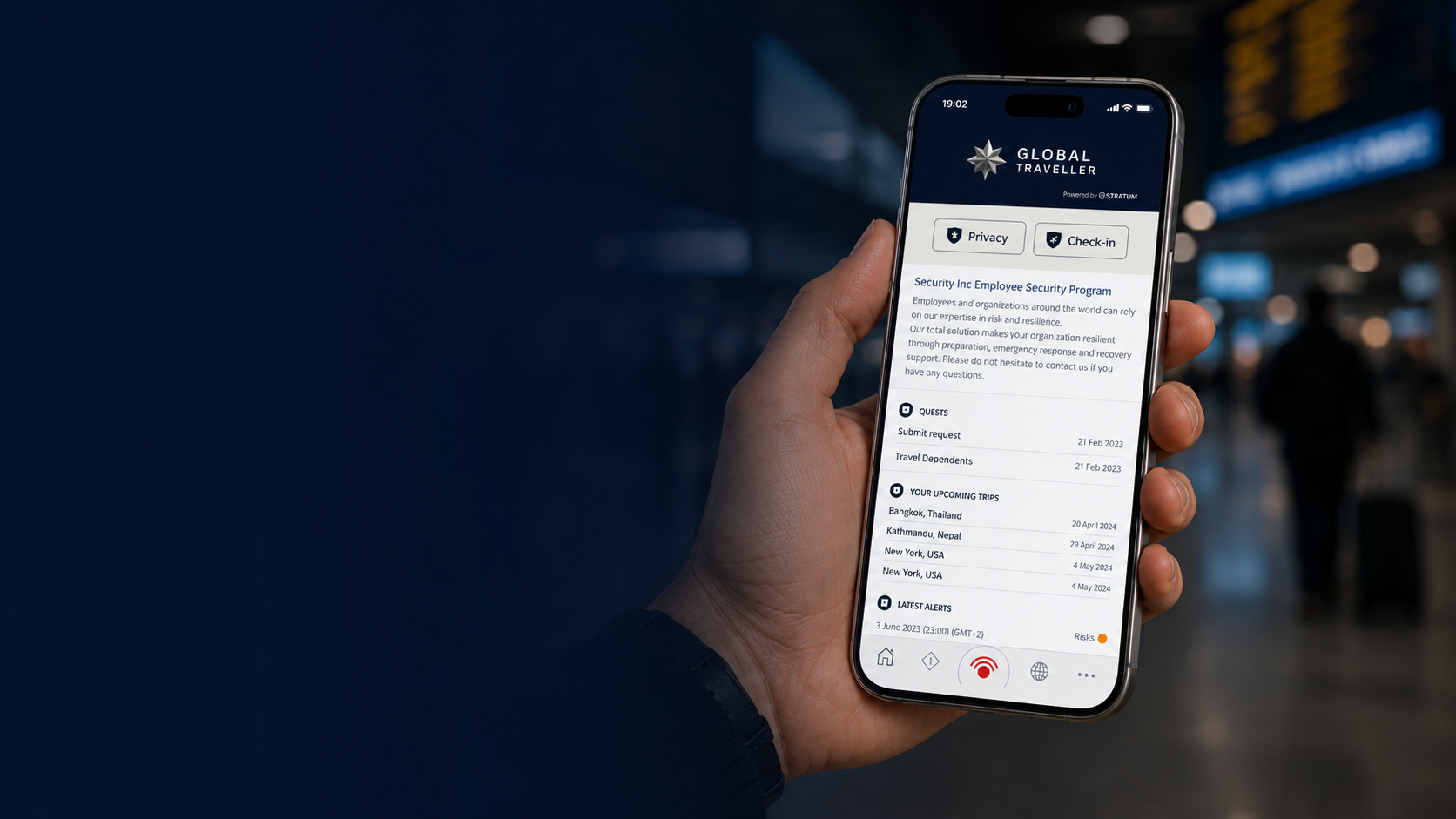
The Global Traveller App.
The Global Traveller app brings your travel information, destination intelligence, travel alerts and access to assistance together in one place.
Once your membership is active, the app is designed to become part of your journey rather than something you only open when there is a problem.
You can use it before you travel to understand your destination and check your journey information, while travelling to receive relevant alerts and information, and whenever you need to contact the Global Assistance Centre.
Getting Started
After downloading the Global Traveller app, sign in using the details provided when your membership was activated. The exact registration or sign-in process can vary depending on how your membership has been provided to you. Once you are signed in, take a few minutes to check your settings before travelling.
In particular, make sure that:
Notifications are enabled
Location services are enabled
Your location settings reflect the level of information you are comfortable sharing
Your contact details are correct
You know how to access the assistance and emergency functions
Location information helps the app provide more relevant alerts based on where you are. Your location settings can be adjusted according to the available privacy options.
Your Home Screen
The home screen provides an overview of the information most relevant to you.
Depending on your membership and app configuration, this can include your current location, relevant travel alerts, upcoming travel and quick access to important functions.
It is worth becoming familiar with the home screen before you travel so that you know where to find the information you need.
You do not need to wait until something goes wrong to use the app.
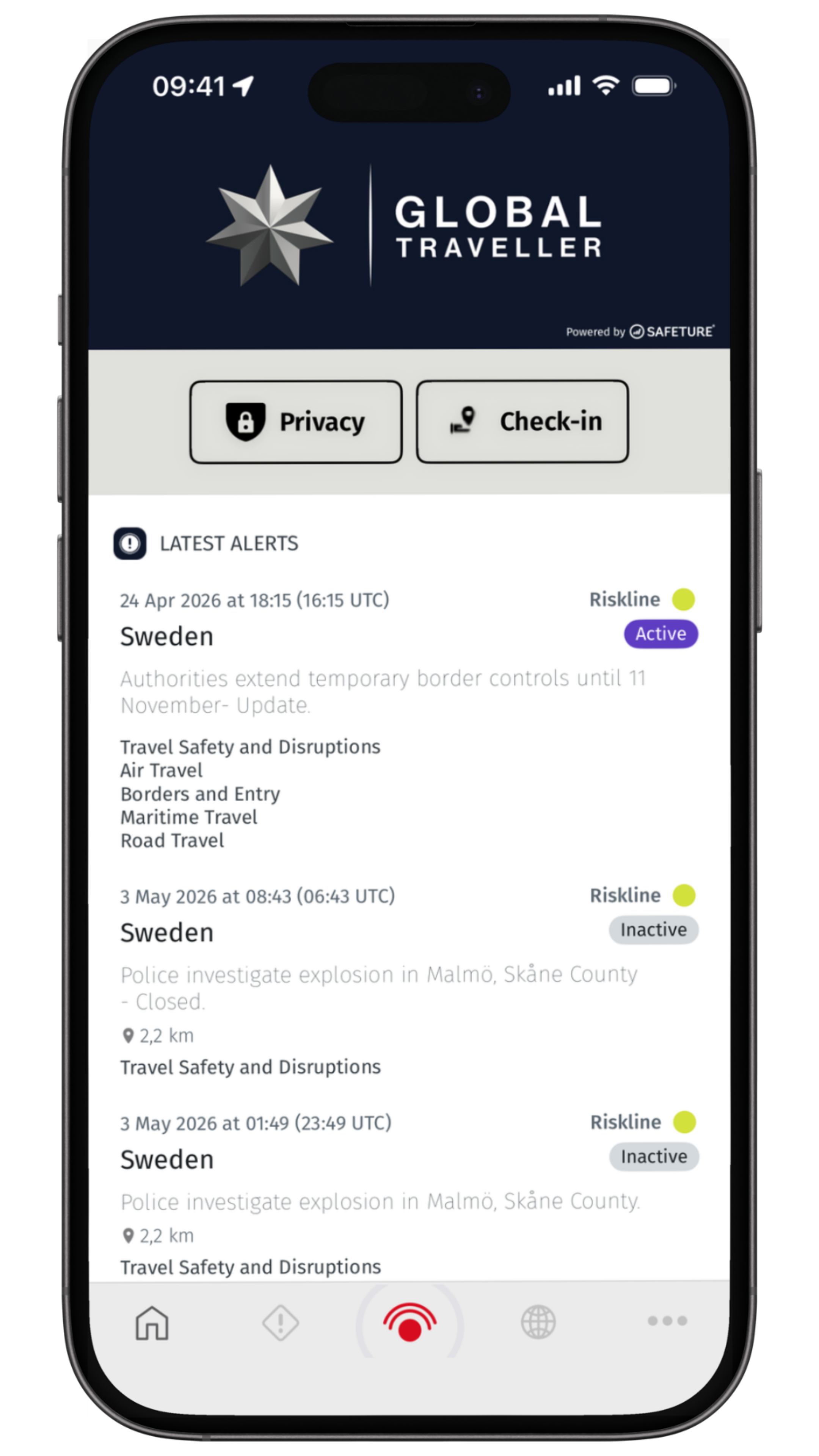
Allow Location Services
Location services are an important part of how the Global Traveller app provides relevant information.
When location services are enabled, the app can use your location to help identify alerts and other information that may be relevant to where you are travelling.
For the most relevant location-based alerts, location access may need to be enabled in your phone settings.
If you change your location permissions or disable location services, some location-based functions may be less accurate or unavailable.
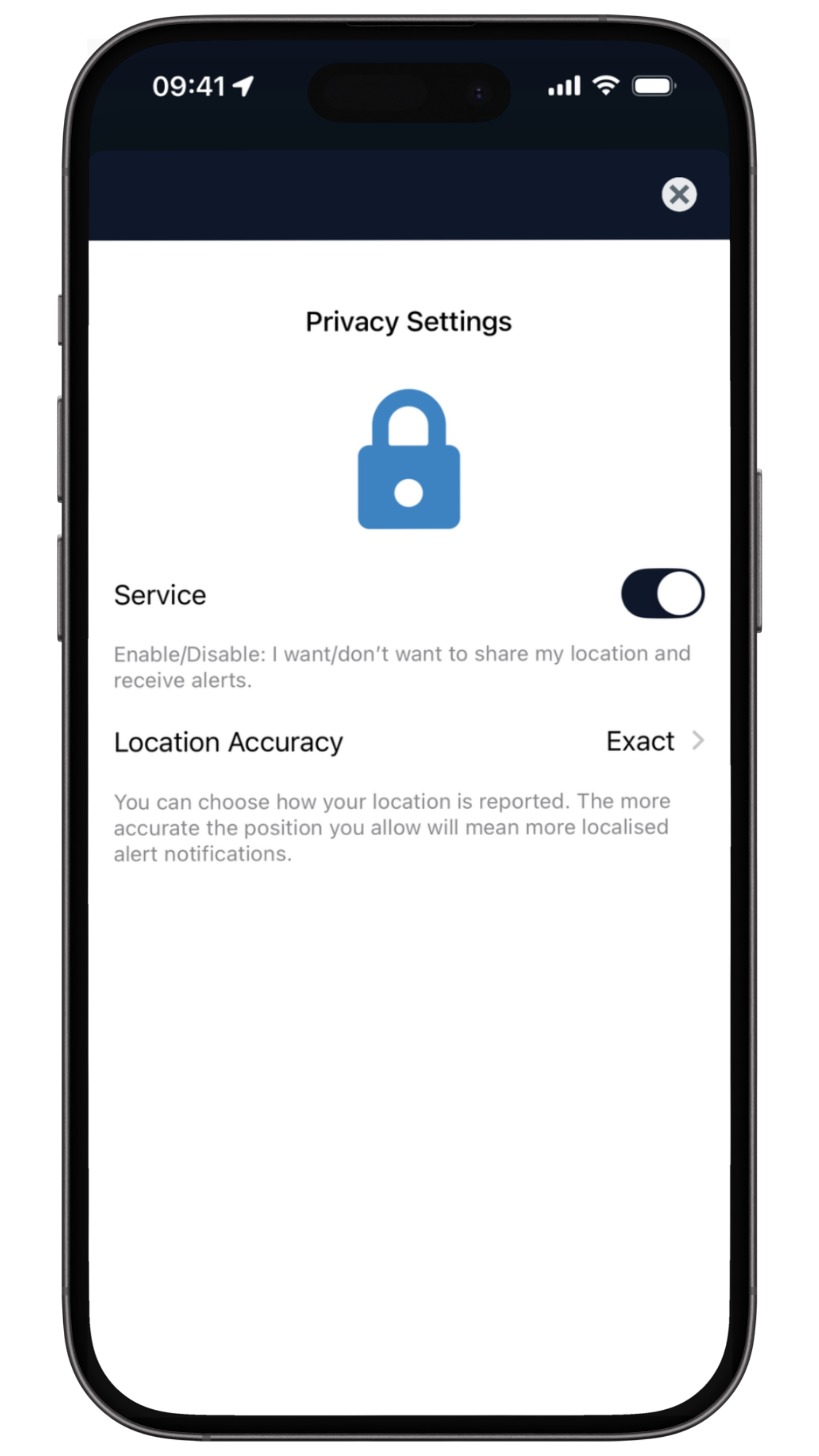
Destination Information
The app is not only for emergencies. Before departure, you can use the destination information available within Global Traveller to familiarise yourself with the country or destination you are visiting.
Depending on the destination, this may include information covering travel and entry considerations, security and safety, medical, cultural, local emergency services and local conditions.
Reviewing this information before departure gives you a better understanding of the environment you are entering.
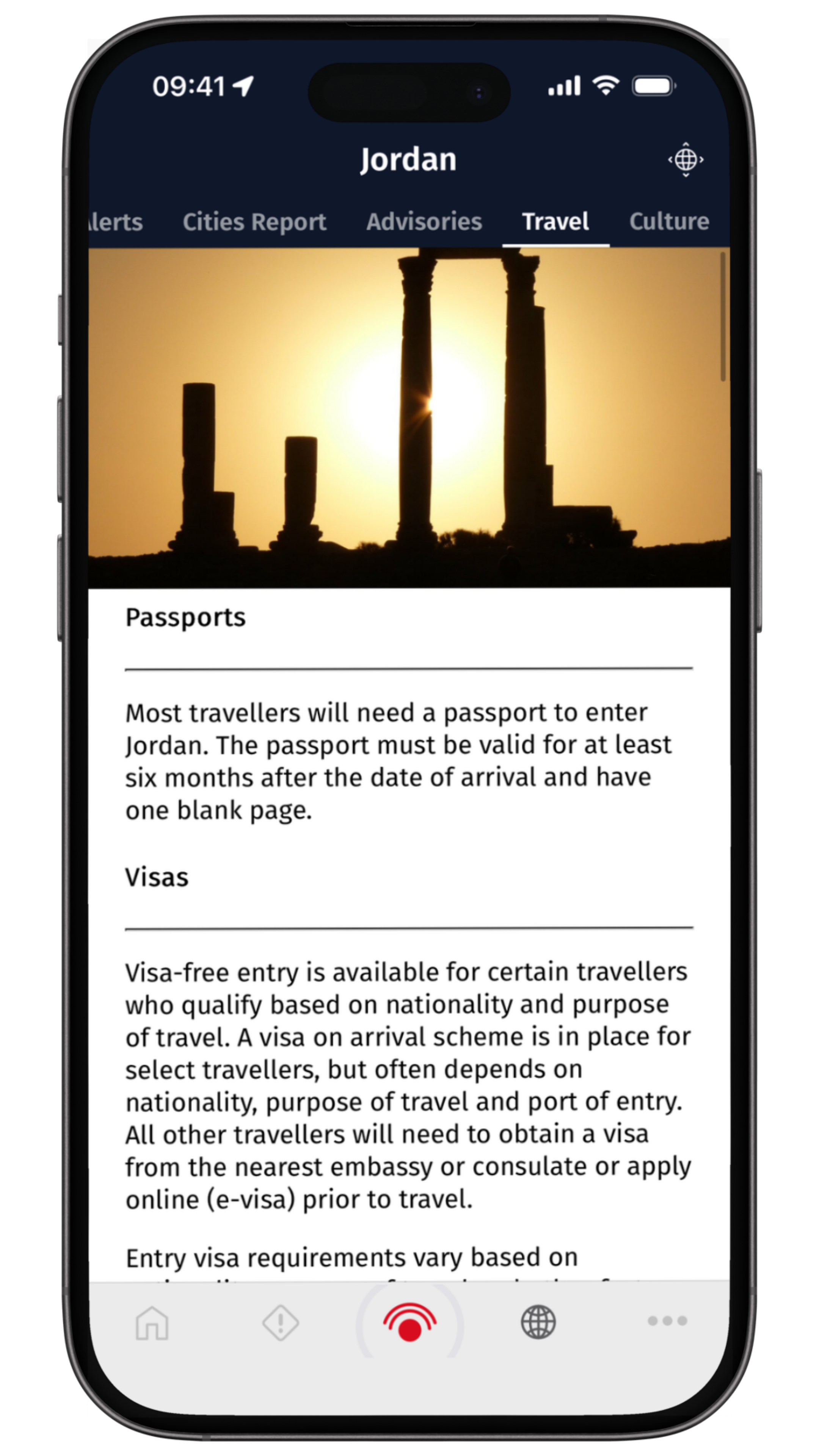
Add Your Trip
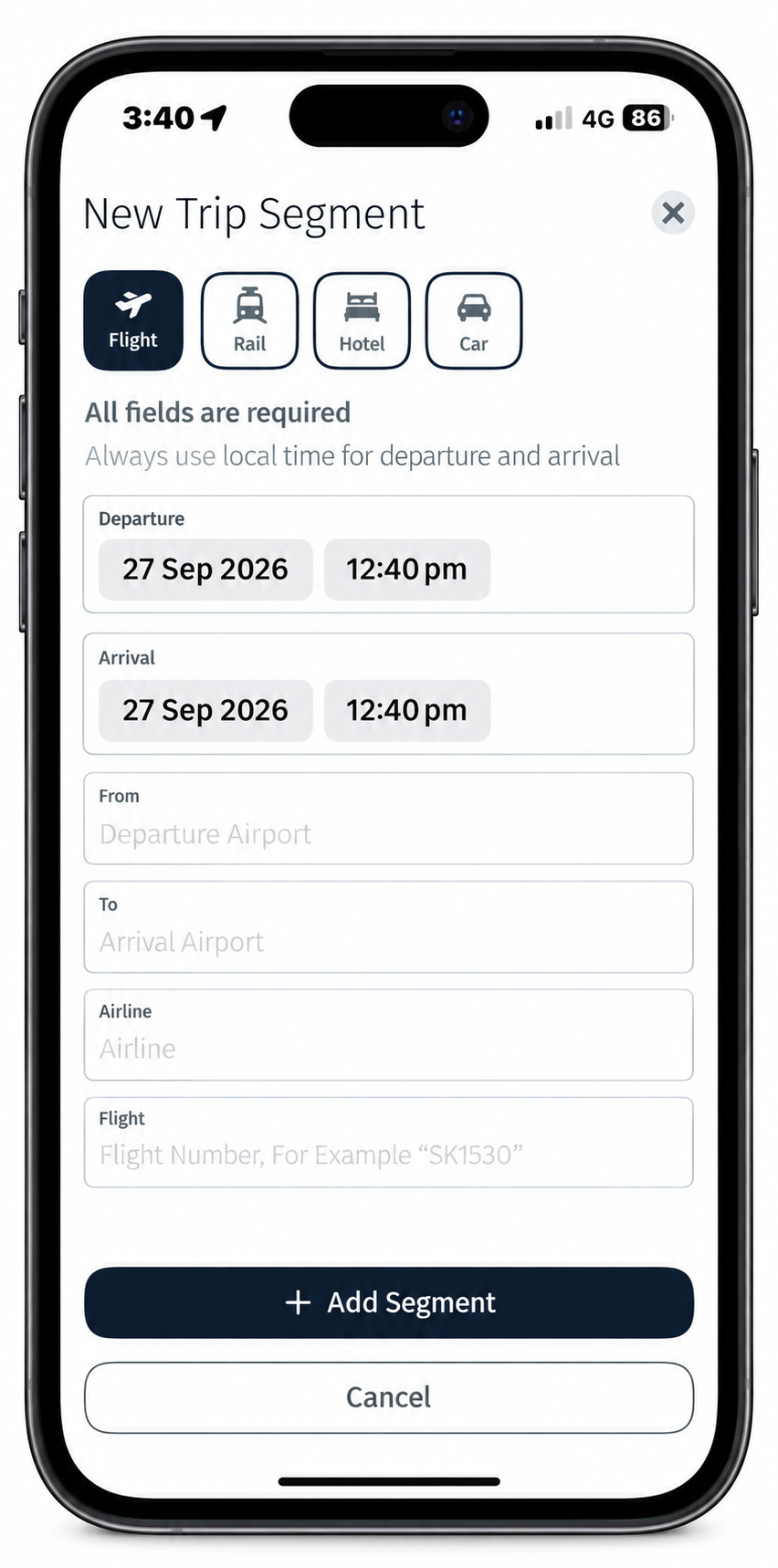
You can add your upcoming travel to the Global Traveller app so that your journey information is available alongside relevant travel intelligence and alerts. Adding your trip also helps the app deliver relevant information in the context of your journey.
From the app’s main screen:
Open My Trips.
Select Add Trip.
Enter the details of your journey.
Add your destination and travel dates.
Add your itinerary information
Save the trip.
Find Important Services
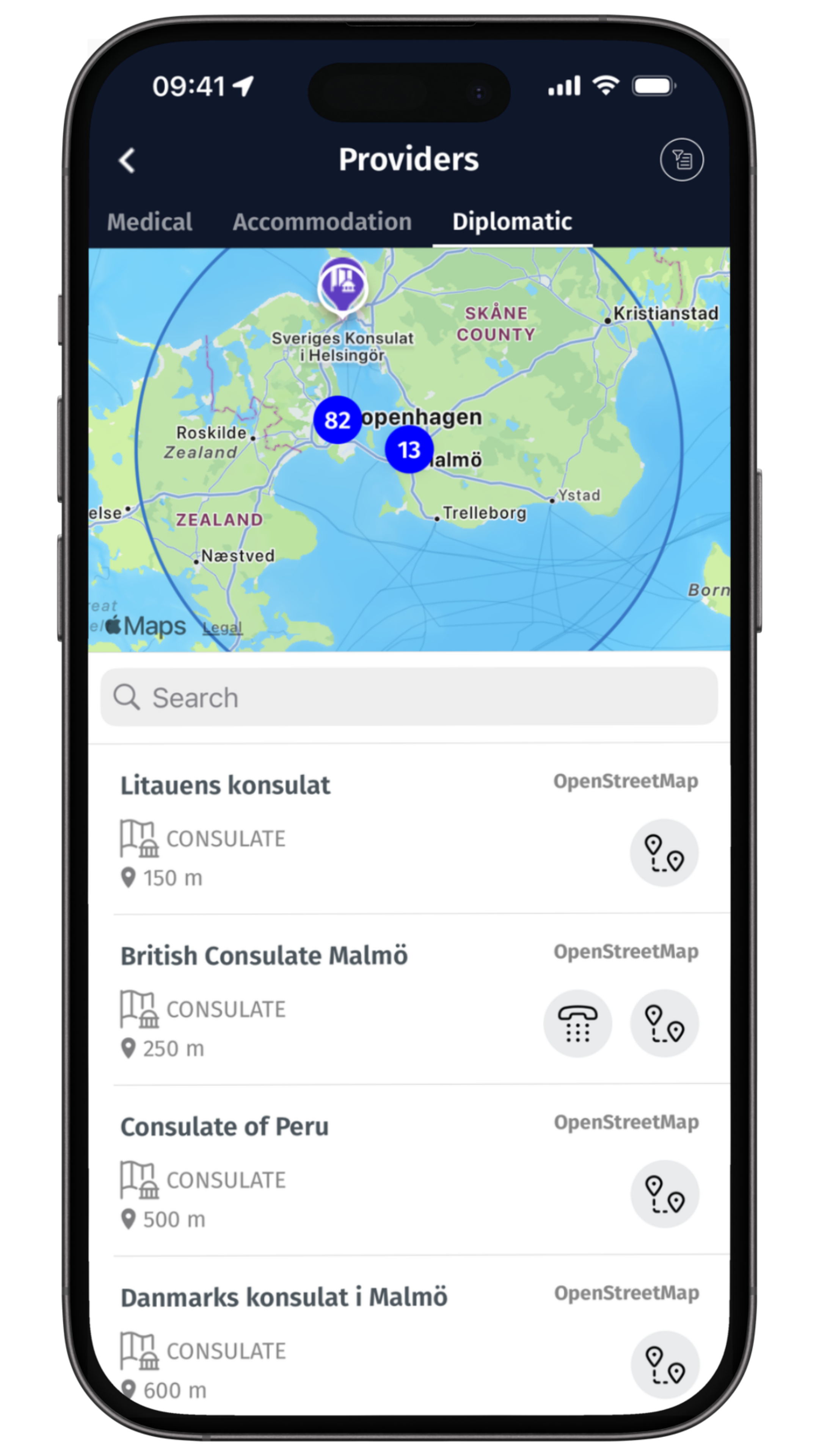
The app can also help you identify useful services around you.
Depending on the information available for your location, this may include hospitals, medical facilities, diplomatic services and other relevant providers.
This can be particularly useful when you are unfamiliar with the area or need to find an appropriate service quickly.
The information should be used alongside professional advice and local emergency services where appropriate.
Travel Alerts
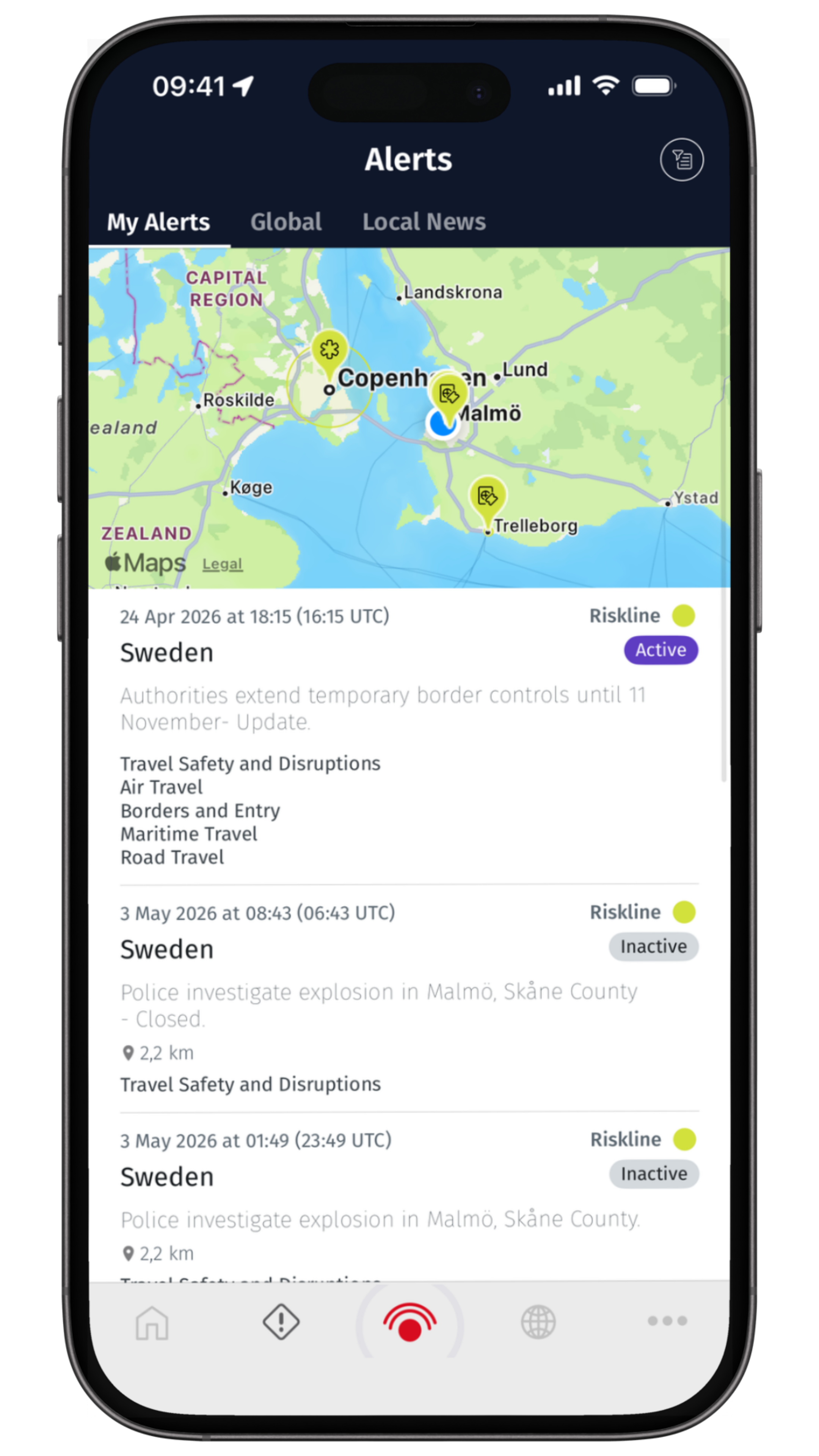
Alerts can relate to developments such as security incidents, severe weather, natural disasters, transport disruption and other events that may affect travellers.
The app uses your location and, where available, your travel plans to determine which information may be relevant to you.
When you receive an alert, open it and read the information carefully.
The alert will provide information about the event and, where appropriate, advice on what travellers should consider doing.
Share Your Location
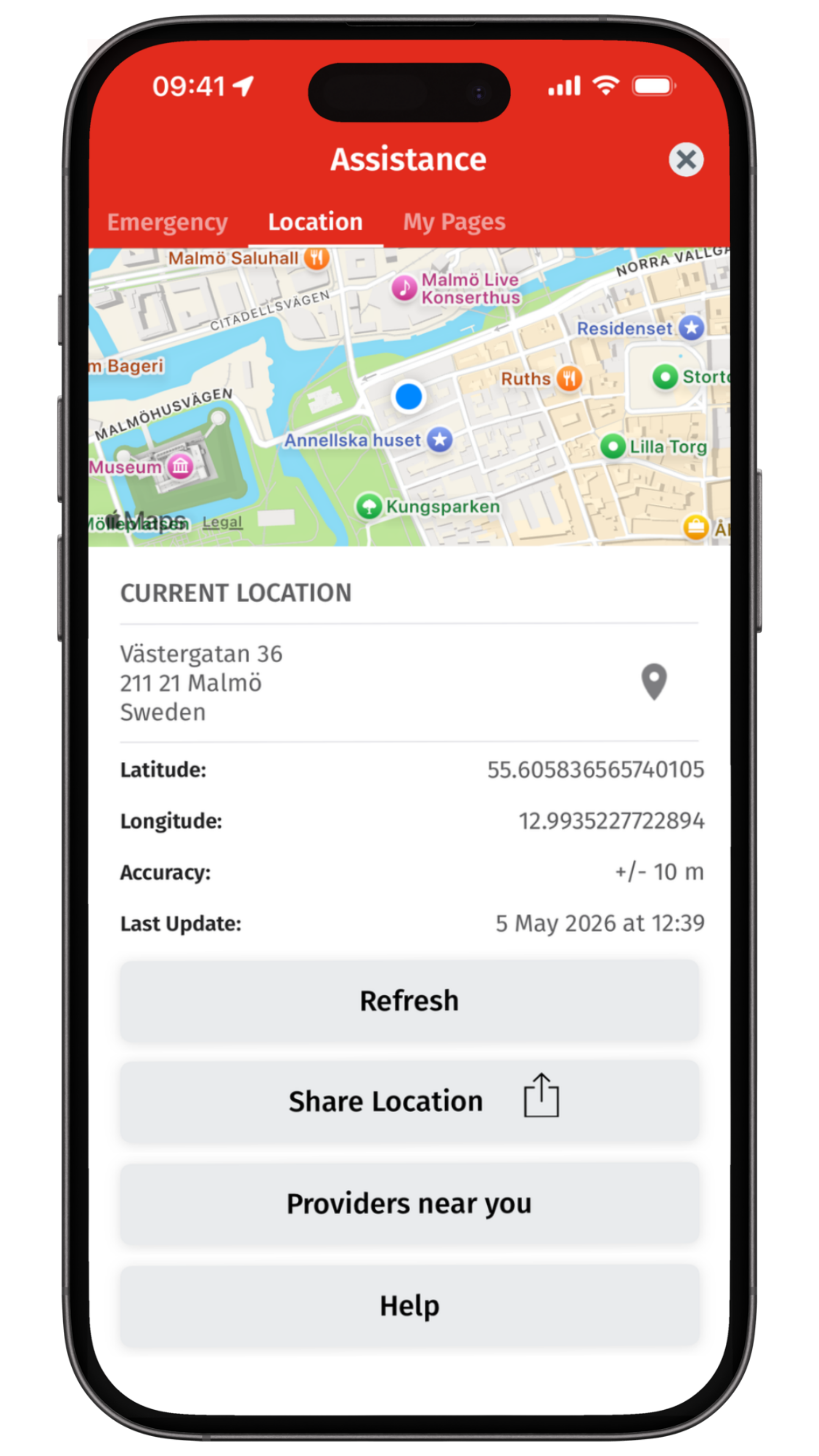
Location sharing can be particularly important when you need assistance.
The app can use your location to help identify where you are and provide more relevant information.
You can also manually share your location when checking in or when requesting assistance.
This can be particularly useful if you are moving between locations or if you are unable to clearly describe where you are.
Emergency SOS
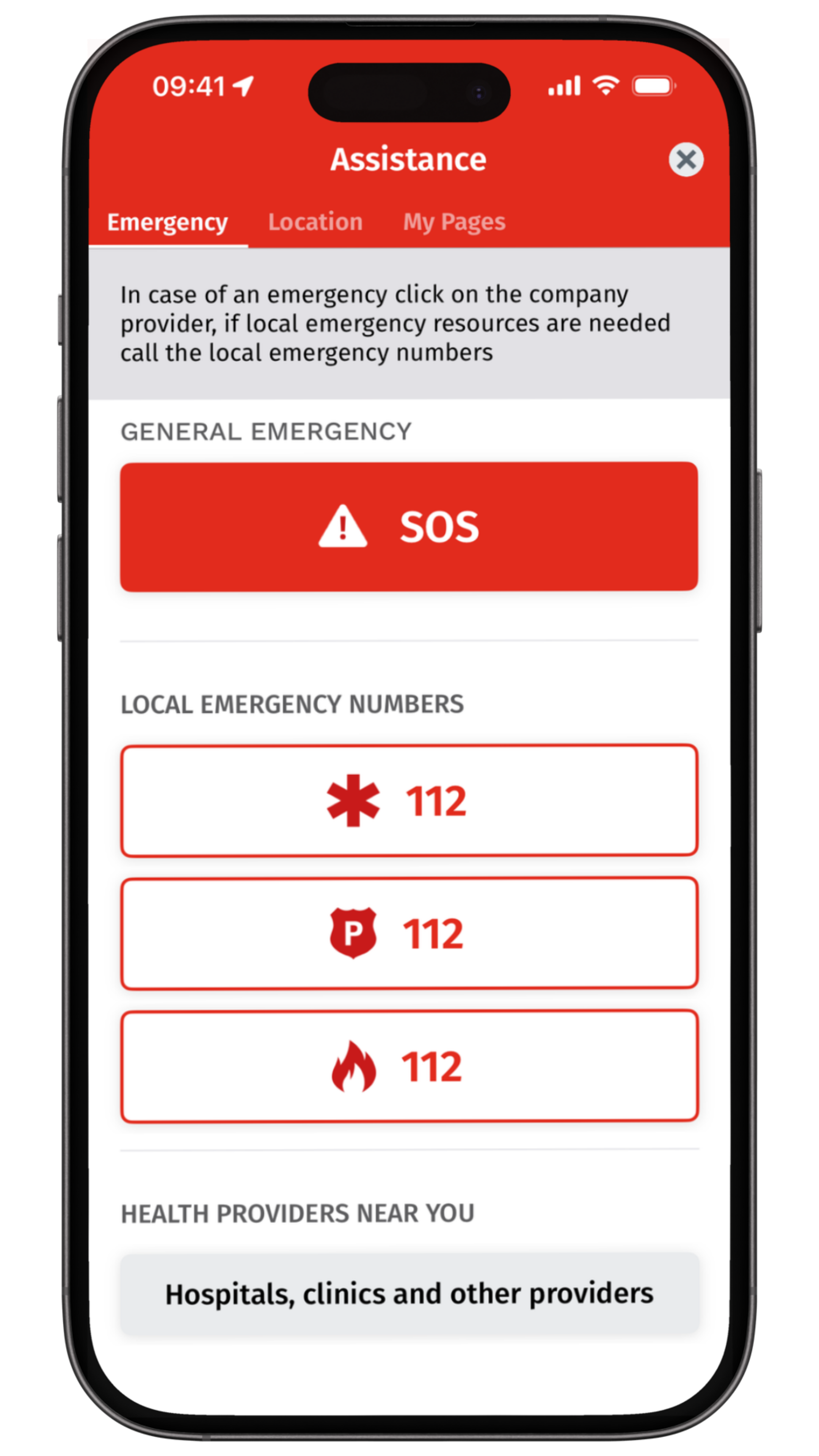
The SOS function is intended for situations where you need urgent assistance. When activated, the emergency process can notify the relevant assistance operation and provide your location information to help responders understand where you are.
Depending on the circumstances, you may then be contacted by the assistance team or relevant emergency provider.
Do not activate SOS for general travel questions. For non-urgent assistance, use the in-app messaging function.
Use Global Traveller Before You Travel
The best time time to become familiar with the app is before you need it.
Before departure sign in and complete your setup, check your notification settings, review your location and privacy settings and familiarise yourself with the assistance and emergency functions.
Make sure you know how to contact the Global Assistance Centre. Once you have done this, you can travel knowing where to find the information and support available throughout your membership.
Use Global Traveller While You Travel
Keep the app installed and notifications enabled throughout your journey and check relevant alerts when they arrive and use the destination and travel information whenever you need it.
If something changes, whether it is a travel disruption, medical problem, security incident or another unexpected situation, open the app and use the appropriate assistance function.
You do not need to wait for a situation to become serious. before asking for practical guidance.
What Happens When You Need Help?
The app is the connection between you and the assistance operation. When you contact Global Traveller, the assistance team provides and immediate response depending on the circumstances.
For example, if you have become unwell, the team may help identify appropriate medical care and coordinate with relevant providers. If you are affected by a security incident, the team can help you understand the situation and coordinate appropriate support. If your journey has been disrupted, the team can help you understand the available options and coordinate practical assistance where appropriate.
If an evacuation or other specialist response is required, the assistance team can coordinate with the relevant medical, security, transportation or aviation providers, subject to the circumstances and availability. The app provides the connection. The response comes from the people and operational network behind Global Traveller.
One person. One response. No runaround.
You shouldn’t have to navigate a maze of hotlines, departments and third parties when something goes wrong abroad. Global Traveller gives you direct access to a real person, 24/7, someone who can assess what is happening, understand the wider situation and coordinate the right response.
Our Operations Centre works directly with a global network of 12,000 vetted providers across medical, security, transportation, aviation and logistics, while remaining involved throughout the incident. And because we continuously monitor travel conditions and developing events, we don’t start by asking you to explain the world around you. We already have the context. We focus on understanding your situation, identifying your options and getting the right support moving.

Want to Learn More?
Explore our Knowledge Centre for practical explanations of travel assistance, medical and security support, evacuations and what happens when you need help abroad.
Visit our Intelligence Centre for traveller guides, travel risk insights and practical information designed to help you plan better and travel smarter.